How to test your AI-built app before launch
AI app builders are good at the happy path. In our first test, Lovable, Bolt, Base44 and v0 all built a working multi-user app on a free plan. The bugs we found were at the edges: on phones, in sign-up, and in what happens after you log out. This checklist covers those edges. It takes about 45 minutes by hand.
The short version: test on a phone with taps only, sign up as a new user and abandon it halfway, check that logout kills the session, make a second account and try to see the first one's data, and search the browser's JavaScript for secret keys. The first three alone would have caught every bug we found in v1 except one (Lovable's 6-character password minimum).
Steps marked Scan can check are covered by our free Scan my app beta. The rest need a login, so do them by hand.
-
Use it on a real phone-sized screenScan can check
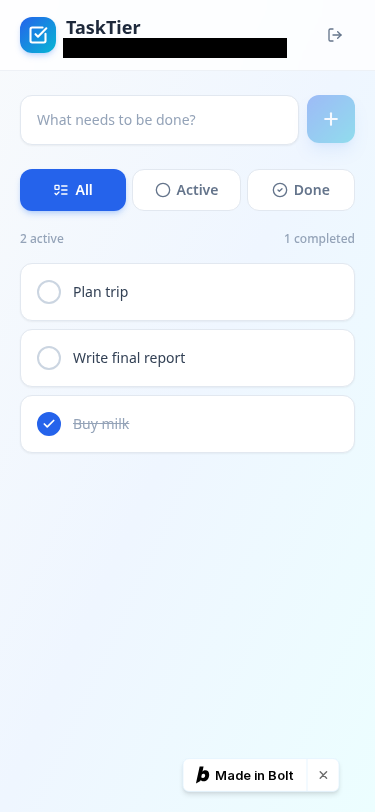
How: Open the live app at 375×812 (browser dev tools, or your phone). Add, edit and delete an item using only taps, no mouse.
Why: In our v1 test, Bolt's app scored 100 on desktop, but its edit and delete buttons only appeared on mouse hover, so on a touch screen they were invisible Observed. Screenshot.
-
Sign up as a brand-new user, and do it badly
How: Use a fresh email in a private window. Close the tab halfway through email confirmation, then come back and try to log in.
Why: Base44's app sent an email code at sign-up. When a new user closed that page, the login screen gave no way to enter or resend the code, so the user was stuck Observed.
-
Log out, then check the old session is really dead
How: Log in, copy the auth token or cookie from dev tools (Network or Application tab), log out, then replay a request with the old token. It should be refused.
Why: In Base44's app, logging out did not revoke the access token on the server: the old token still worked after logout Observed.
-
Check the password rules
How: Try signing up with a very short password like 123456. Decide whether the minimum is acceptable for what your app stores.
Why: Lovable's app accepted passwords as short as 6 characters Observed. Its default auth worked fine otherwise: no functional bugs in our feature, security or mobile checks.
-
Make a second account and try to see the first one's data
How: With user A logged in, create some data. In another browser, log in as user B and look for A's data, including by changing IDs in the URL.
Why: All four v1 apps passed this one: a second user could not see the first user's items Observed (Lovable · Bolt · Base44 · v0). It's still the most important check, because when it fails, everyone's data leaks. Full walkthrough, with pass/fail signs and fix prompts: the two-account test, step by step.
-
If you have roles, replay the admin's requests as a normal user
How: Do an admin-only action (delete, change roles) and copy the request from dev tools. Replay it with a normal member's login. Hiding the button isn't enough; the server has to refuse.
Why: This is check F7 and S3 in our v2 test plan. v2 results aren't published yet, so we make no claim about any tool here.
-
Search the code your browser downloads for secret keys
How: Open the live site, view the page source and the loaded .js files, and search for sk_, service_role, secret and your API key prefixes. Publishable or anon keys are meant to be public; secret ones are not.
Why: Check S5 in our v2 plan (no v2 results yet). Keep keys out of your prompts too: they go into the chat history the tool may keep. For the keys your coding tools use, give each tool its own key with a spend cap at the provider: how, provider by provider.
-
Reload, then try a fresh browser
How: Create data, reload the page, then open the app in a different browser and log in. Your data should still be there. If it only lives in the browser, it isn't in a database.
Why: Check F13 in our v2 plan.
-
Turn off a share link and check it actually stops working
How: If your app has public or share links, open one logged out, turn sharing off, then reload the link. Also check the link can't be edited to reach other records.
Why: Checks F12 and S4 in our v2 plan.
-
Type junk into every formScan can check
How: Paste a very long string, emoji,
<script>, leave required fields empty, and use a fake email. Look for crashes, raw error text, or pages that hang.Why: Weird inputs are part of every Scan my app run. Security-only scanners don't type into forms: what they check instead.
-
Open the browser console on every pageScan can check
How: Watch the Console and Network tabs while you click around. Red errors and failed requests are often the first sign of a broken feature.
Why: Console and network errors are logged in every Scan my app report.
-
Know what your free plan just spent, and what training setting you're on
How: Check the tool's usage page before and after a build, and switch AI training off before you paste anything private.
Why: One working app cost us 2.10 Lovable credits, about 101K Bolt tokens, 1 Base44 message credit and $3.81 of v0's one-time $5 credit Observed (cost per app). Bolt and Lovable let anyone opt out of training for free; Base44 has no opt-out below Enterprise Reported (opt-out guide).
Let an agent do the clicking
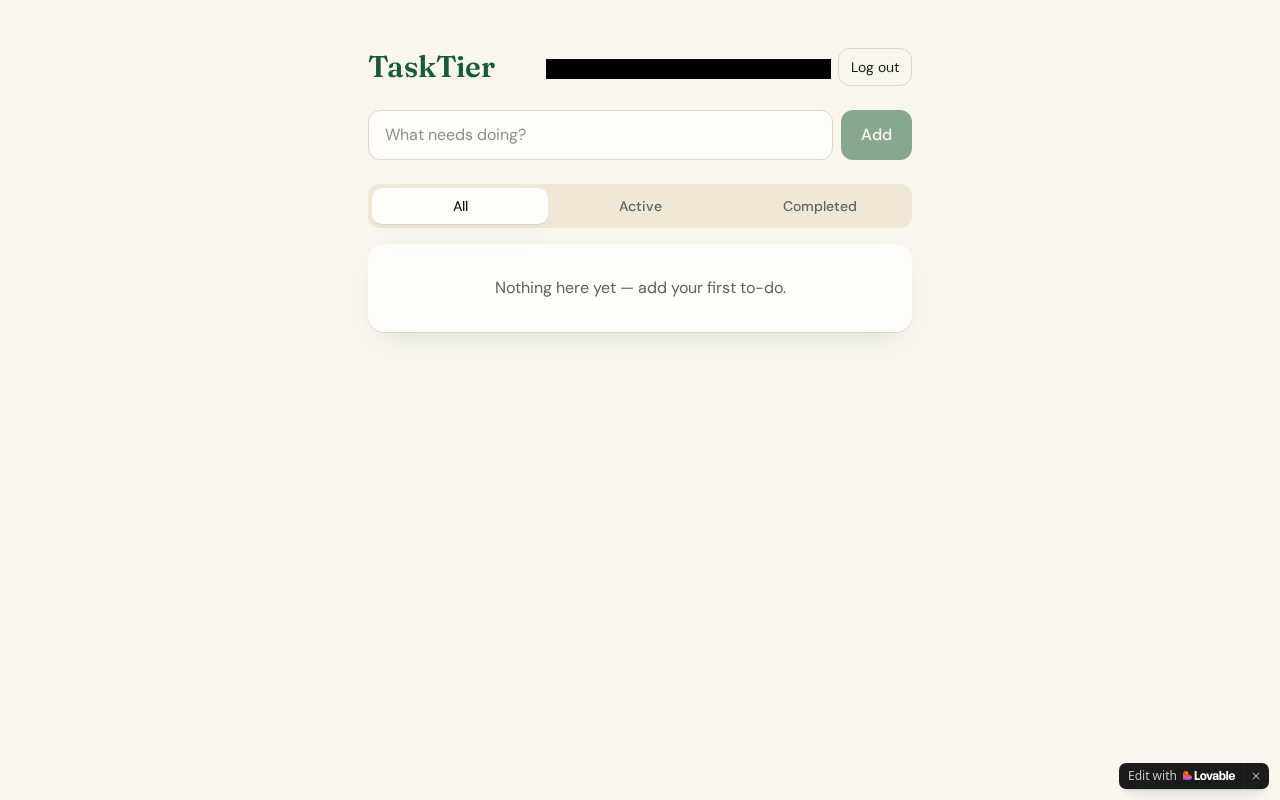
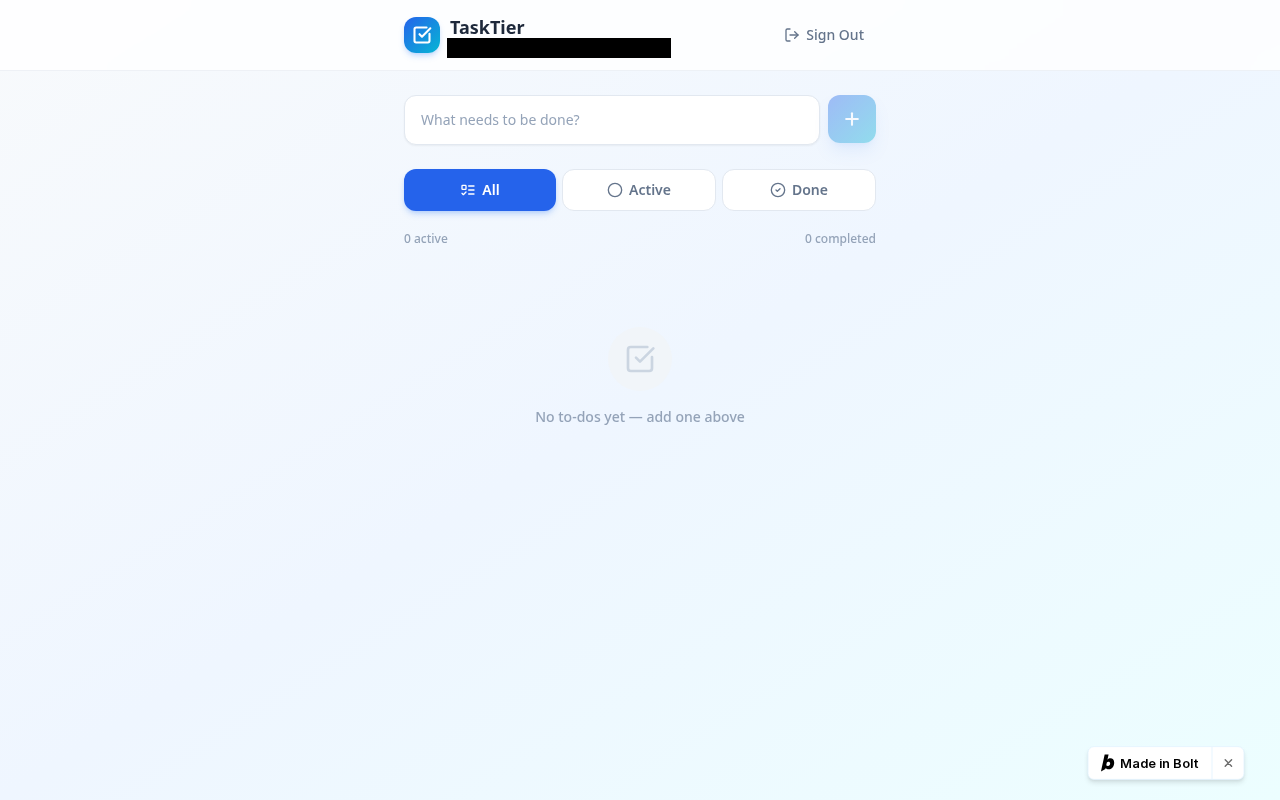
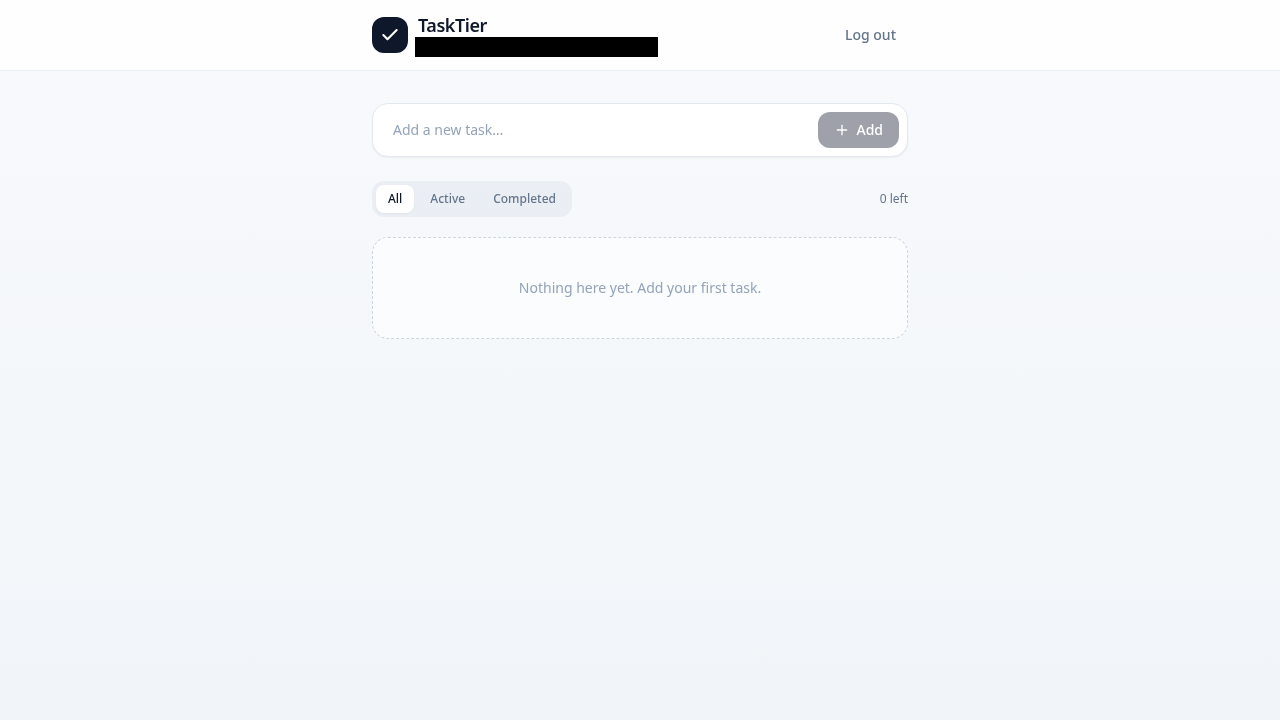
Scan my app (free beta) runs a real browser over up to 5 pages of your app: phone layout, safe buttons, junk input, console and network errors. You prove you own the app first, write requests are blocked, and you get a private report with screenshots. It's not a security audit, and it never affects any ranking.
Scan my app, free →Which builder left the fewest bugs?
See the full v1 results with screenshots: Lovable vs Bolt vs Base44 vs v0, or one tool at a time: Lovable · Bolt · Base44 · v0. Our harder v2 test (teams, roles, share links) is running now.
FAQ
How do I test an app built with Lovable, Bolt, Base44 or v0 before launch?
Use it on a phone-sized screen with taps only, sign up as a brand-new user (and abandon the email confirmation once), check that logging out kills the old session, create a second account and try to see the first account's data, replay admin requests as a normal user, search the browser's JavaScript for secret keys, reload and try a fresh browser, test share links, type junk into forms and watch the console. VibeTierList's checklist links each step to what its own tests found (17 Oct 2026).
What bugs do AI app builders usually leave in?
In VibeTierList's v1 test (16 Oct 2026, free plans, one run each) all four apps worked, but the bugs found were in the edges: Bolt's edit and delete buttons only showed on mouse hover, so they were invisible on phones; Base44's app stranded new users who closed the email-code page and didn't revoke the access token on logout; Lovable's app allowed 6-character passwords (Observed).
Is my vibe-coded app secure?
You can't tell from the demo. The checks that matter most are whether a second user can see the first user's data, whether the server (not just the UI) refuses admin actions from normal users, whether logout kills the session, and whether any secret keys ship to the browser. All four v1 apps passed the second-user check; Base44's failed the logout check (Observed, 16 Oct 2026). An automated scan is not a security audit.
Can I test my AI-built app automatically?
Partly. VibeTierList's free Scan my app beta loads up to 5 pages in a real browser, clicks safe buttons, types unusual input, checks a phone-sized layout and logs console and network errors, after you prove you own the app. It blocks write requests and does not log in, so account, role and data-isolation checks still need to be done by hand.
How to cite
VibeTierList, "How to test your AI-built app before launch: a 12-step checklist from our tests", updated 17 Oct 2026. https://vibetierlist.com/guides/test-ai-app-before-launch/